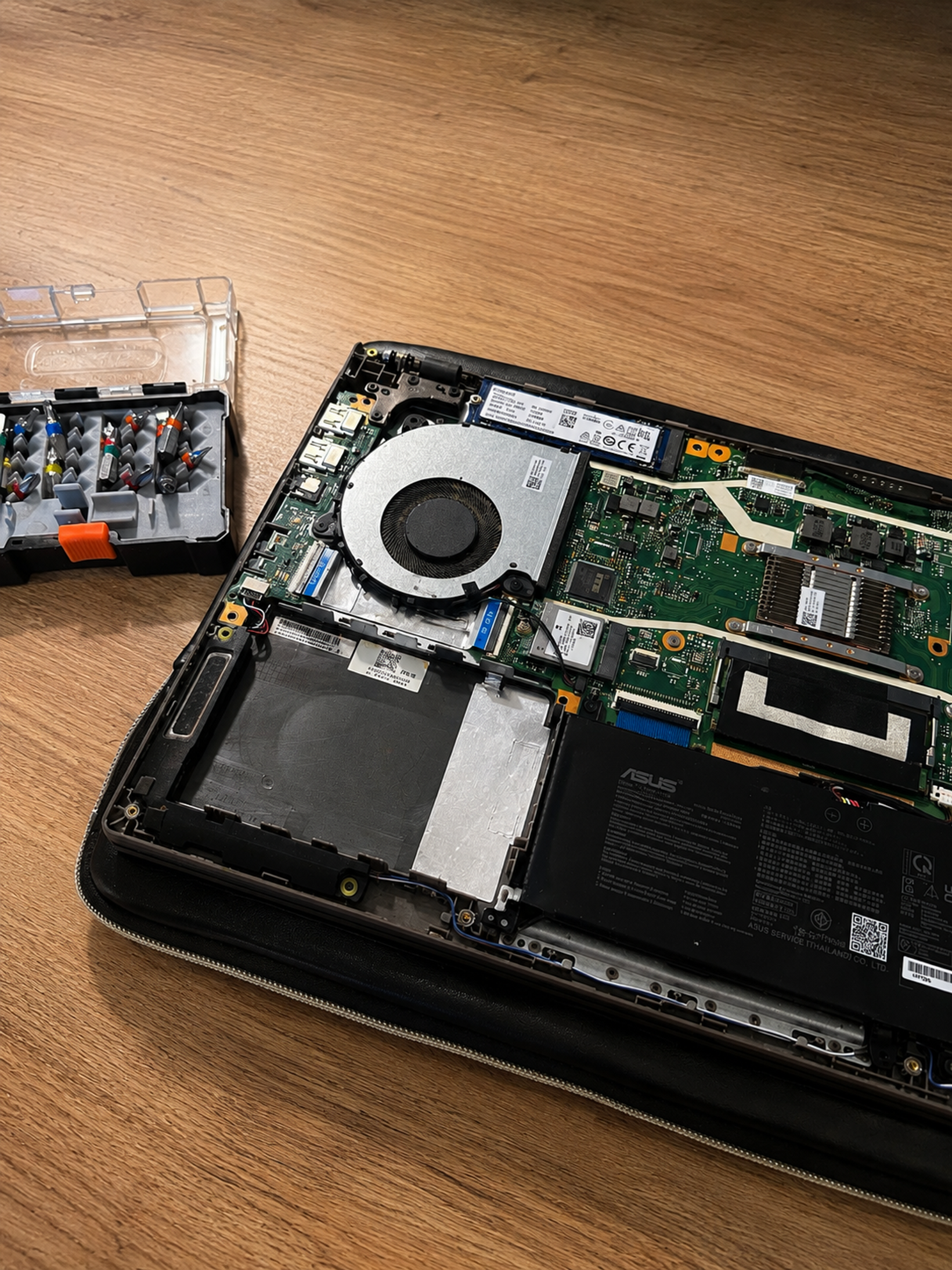
My laptop suddenly stopped connecting to Wi-Fi properly. It could see the network, it would even connect, but the internet barely worked once it did, and I had genuinely no idea where to start. Normally at this point I'd be hunting for someone who actually knows how to fix computers. Instead I just opened ChatGPT and started describing the problem.
The problem turned out to be a loose Wi-Fi antenna cable inside my laptop. ChatGPT didn't diagnose it immediately - we first tested another network, checked the Wi-Fi connection and adapter in Windows, and only then opened the laptop. Once I reconnected the loose antenna cable, the Wi-Fi started working normally again.
First step was checking whether it was even the router
Before touching anything inside the laptop, the first thing I did was rule out the obvious suspect: my home Wi-Fi.
I connected the laptop to my phone's hotspot instead and checked whether the same problem showed up there. It did. Same choppy connection, same barely-working internet.
That was useful information because the problem wasn't limited to my home Wi-Fi network. There was now a much better reason to keep investigating the laptop rather than the router.
Then it was time to actually look at the Wi-Fi settings
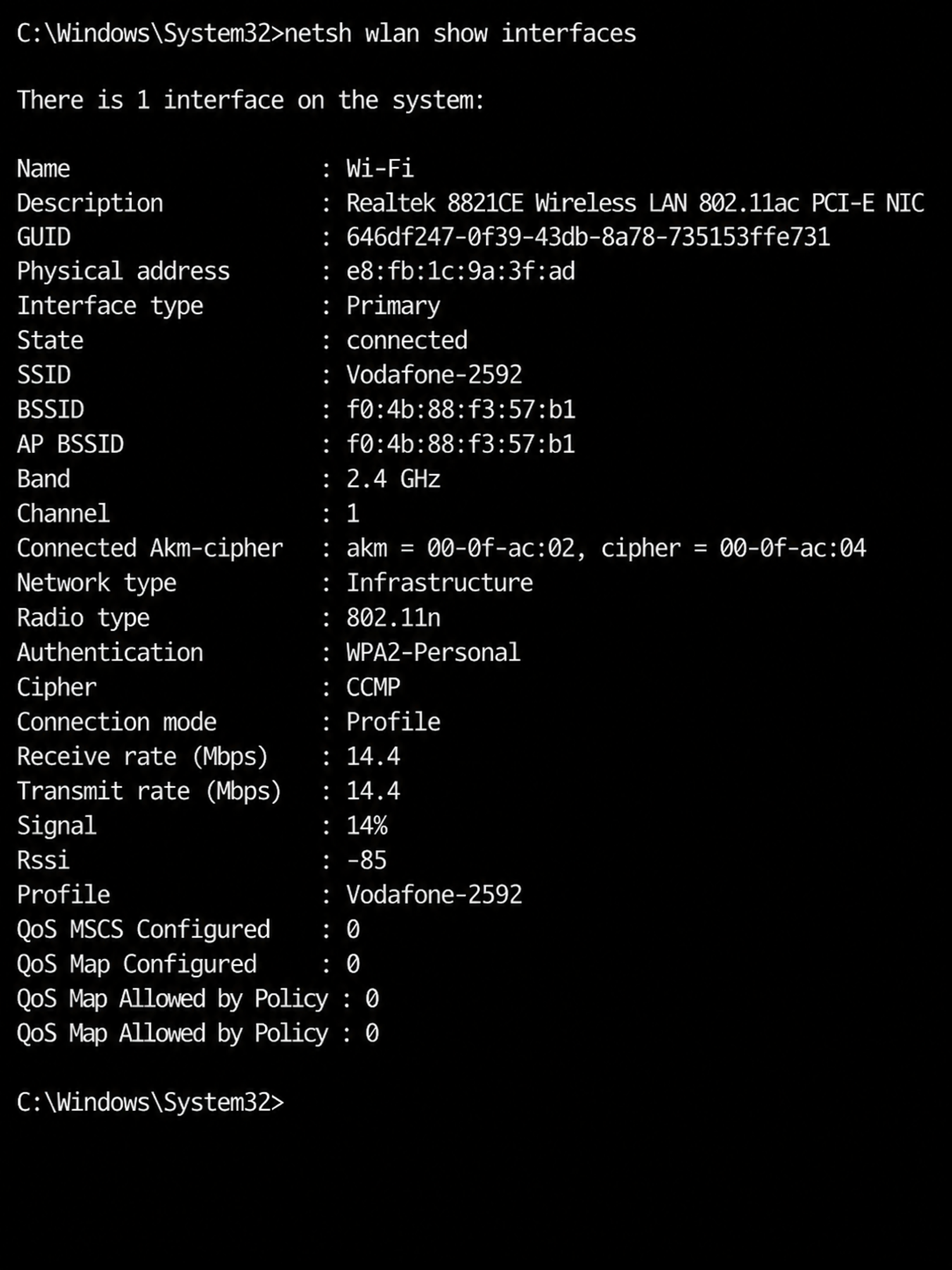
Next came walking through the wireless adapter and connection details in Windows - signal strength, connection quality and the adapter itself.
The laptop was connecting to Wi-Fi on paper, but the connection still wasn't behaving normally. At this point we'd ruled out enough of the obvious possibilities that a hardware issue started looking more plausible.
Nothing we'd checked so far told me exactly what was broken, though. I still didn't know that a cable had come loose.
Which meant opening the laptop
This is genuinely the part I would never have attempted on my own.
With step-by-step guidance on what to look for and how to remove the bottom panel carefully, I got the cover off and found the Wi-Fi card.
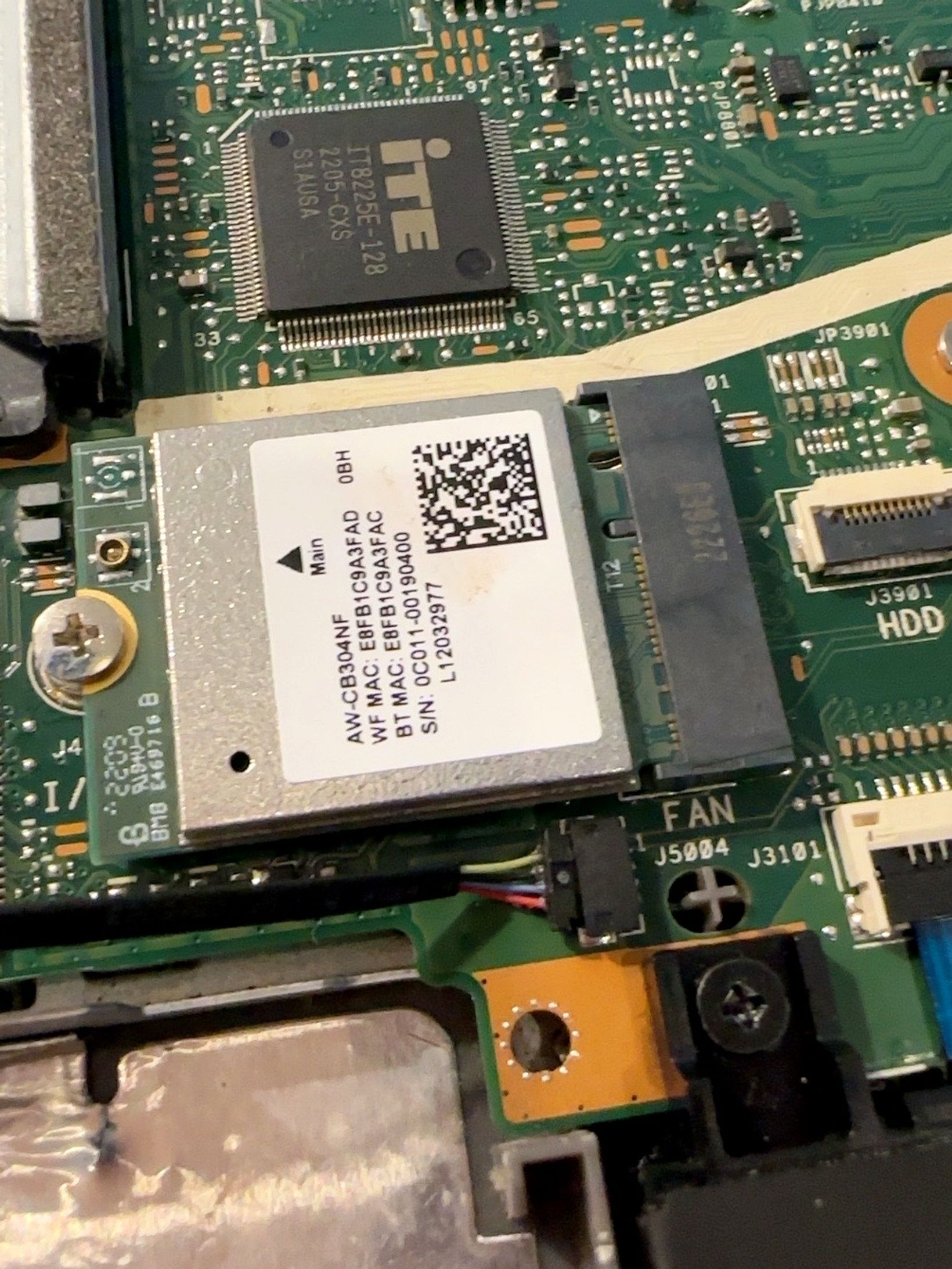
There are supposed to be two tiny antenna cables connected to it.
There were supposed to be two, anyway - one of them had popped out entirely.
At that point, for the first time during the whole troubleshooting process, there was something physically wrong that I could actually see.
The fix was one tiny cable
I pushed the loose antenna cable back into place, put the cover back on, and turned the laptop on.
Wi-Fi worked normally again, first try.
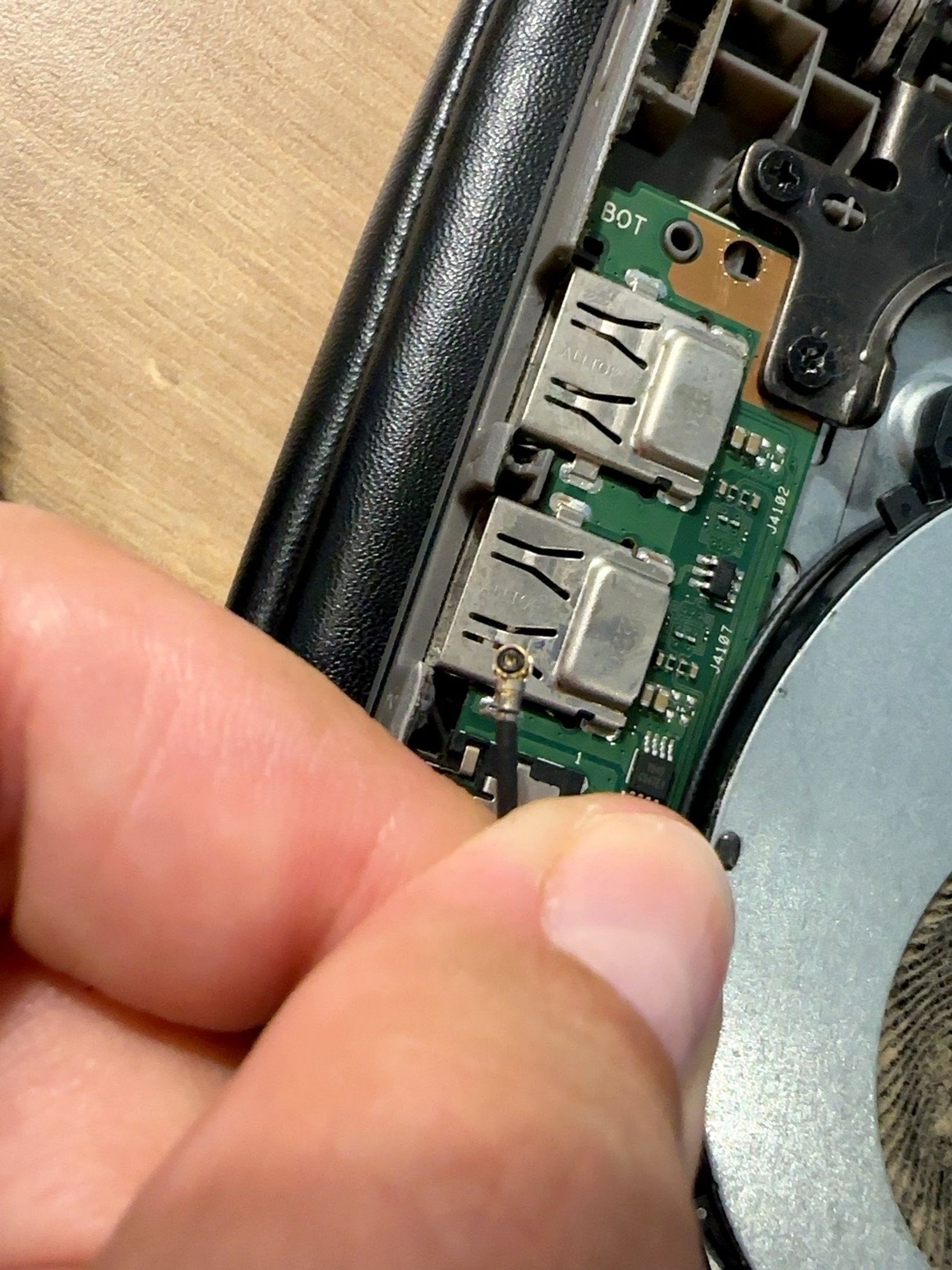
No repair shop, no replacement parts, no new laptop - just one loose cable that had somehow worked itself free.
Would I recommend this?
Would I recommend opening your laptop based on AI instructions without knowing what you're doing? Honestly, no, not blindly.
ChatGPT didn't magically diagnose the problem. We got there by eliminating possibilities one at a time, and at every step I still had to actually look at the hardware, figure out what I was seeing, and decide whether I felt comfortable touching it. If I'd been less lucky, or less careful, this could easily have gone worse.
What it actually did well wasn't "fixing" anything itself. It helped me rule out my home network, check the connection properly, and narrow the problem down far enough that I finally knew what to look for once the case was open.
Without that, I would have just been stuck - no idea what was wrong, probably paying someone else just to tell me it was a loose cable the whole time.